How to find a channel or a message in Telegram

Telegram is not just a messenger but a huge ecosystem of chats, channels and communities. The more information there is, the harder it is to find. Let's see how to quickly find the channel, chat or message you need.
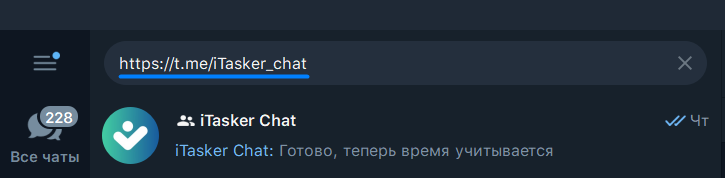
Search by link
If you have a link to a channel or chat, paste it into Telegram's global search. The channel will be the first result. Below it you may see similar accounts and even messages that mention the link.
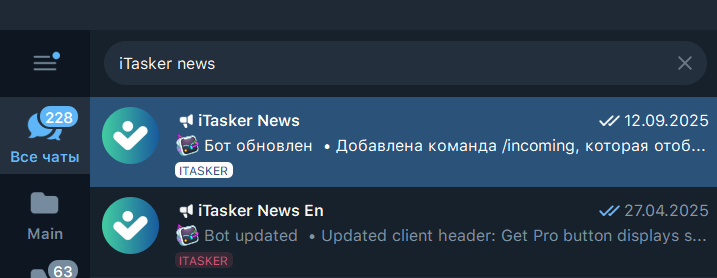
Search by name
Don't know the link but remember the name? Type it into search. Telegram first shows your subscriptions, then public channels with similar names. Note: only public channels can be found. Private communities you haven't joined won't appear in the results.
Search for messages
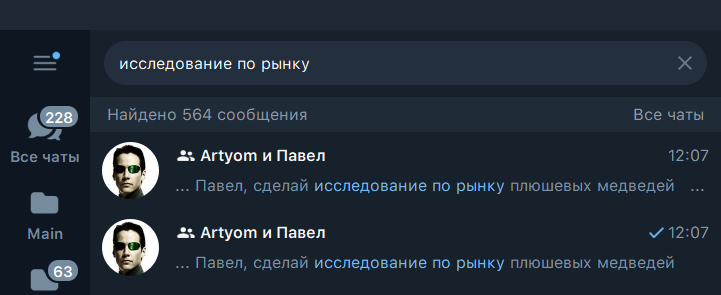
Sometimes you need not a channel but a specific message. There are several ways to find it:
- By keywords. Type two or three words from the text. For an exact phrase, put it in quotes.
- By hashtag. Telegram works great with tags. Looking for a job, for example? Search for #job.
- By date. In a chat, tap the magnifier → the calendar and pick the day you need.
- By user. In a group chat you can filter the messages of a specific member.
- By mention (@username). Handy when you're looking for where someone tagged you.
Turn your group chat into a real team task manager without leaving Telegram
Search by format
On mobile, Telegram splits results into categories: chats, media, links, files, music, voice messages. That makes it faster to find the document or audio you need.
Other ways
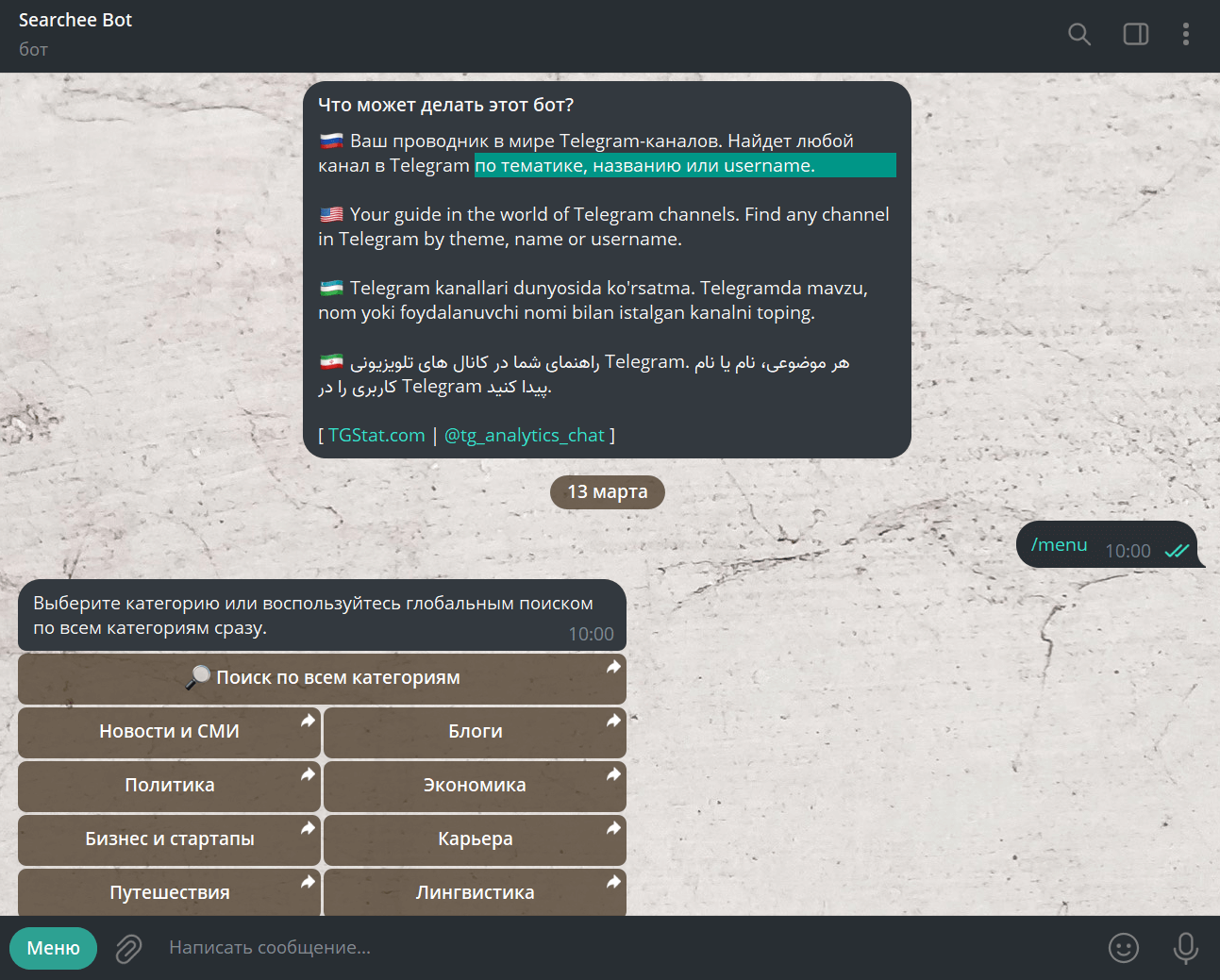
Bots. For example, SearcheeBot finds channels by name, topic and category.
Telegram catalogs. There are themed collections of channels, for example @link_ru, @vam_telegram and @chagram (mostly Russian-language).
Third-party services:
- tgstat: the largest catalog and channel analytics
- telemetr: a database of chats, bots and analytics
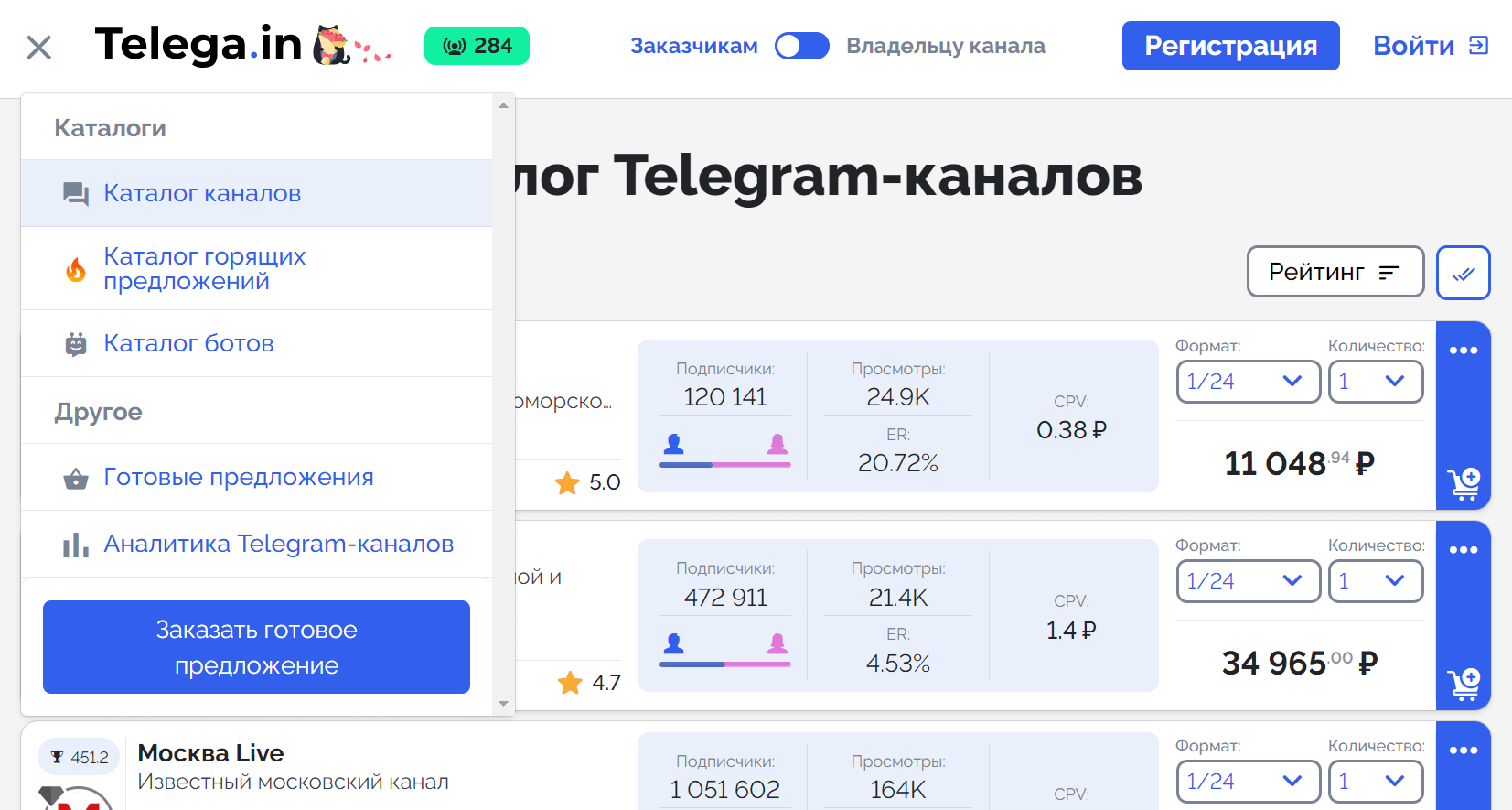
- telega.in: a catalog focused on advertising
Web search. Google indexes Telegram. Just add site:t.me to your query, for example:
site:t.me email marketing
This way you can quickly find channels on a topic you're interested in.
SearcheeBot, for example:
 The telemetr website:
Finding a channel or a message in Telegram is easy. Personal to-dos are harder: tasks get lost in chats and notes. To keep everything under control, use iTasker, a smart task manager right in Telegram.