5 useful MAX bots for business
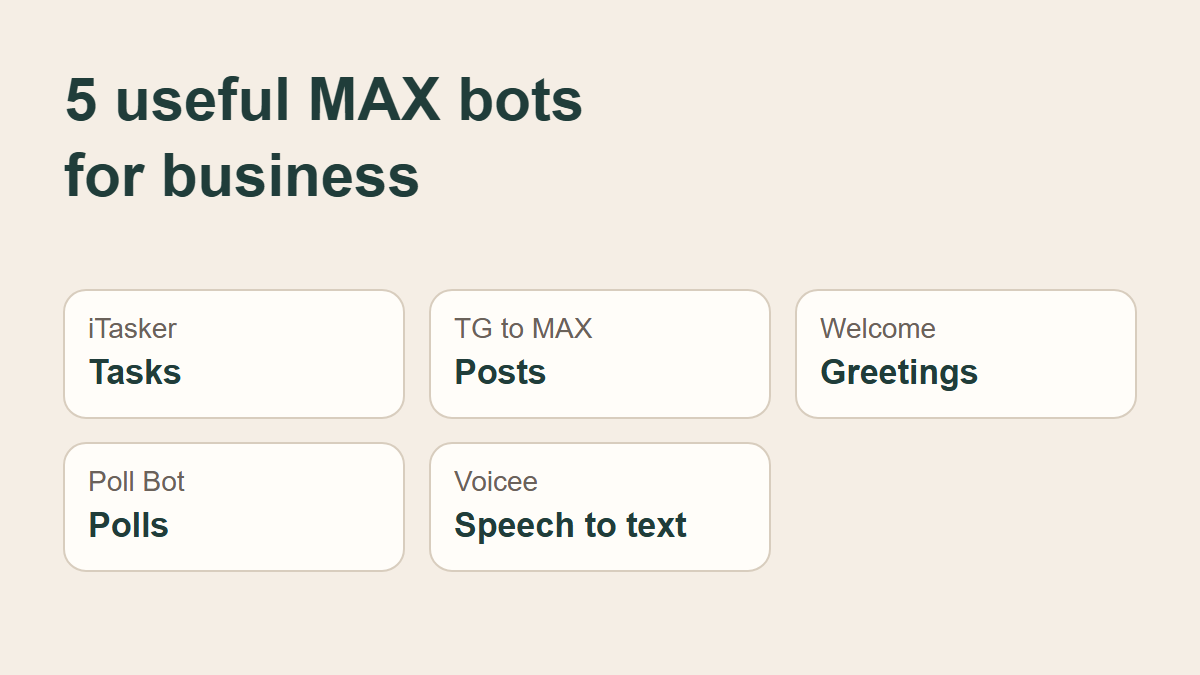
A colleague needs to send a customer the price list, a channel needs a new post, and someone in the work chat is asking when the meeting starts. MAX bots for business can help with these everyday jobs inside the messenger.
A bot is a special account that does a particular job. One saves tasks, another shares posts, and another turns voice messages into text. Here are five options for your team and customer chats.
1. iTasker — assign tasks to colleagues and keep track of deadlines
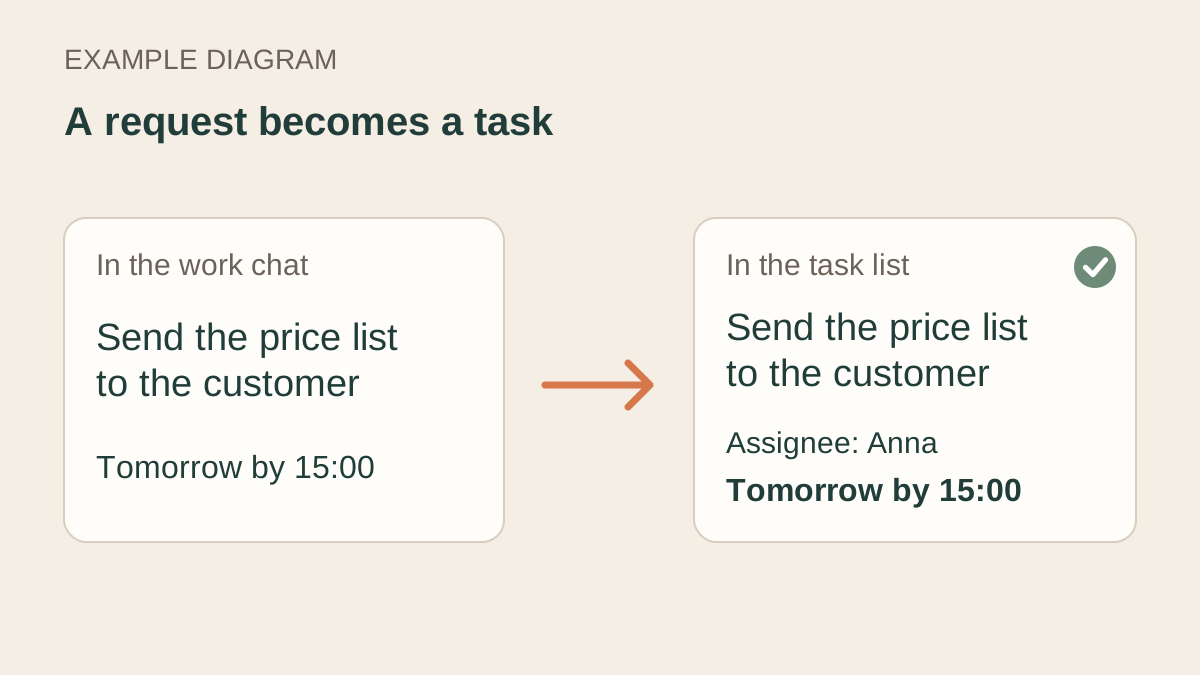
Requests can get buried in a busy work chat. iTasker saves a request as a task, so the team can see what needs doing, who is responsible and when it is due. Reminders arrive in MAX.
For example, you can post /new Send the price list to the customer tomorrow by 15:00, assignee Anna in the group. The bot creates a task with that deadline and assignee. If the request is already in the conversation, reply to it with /new.
To use iTasker with a team, first open a private conversation with the bot. Add it to the group through the member list and connect the group to a project where you will keep the team’s tasks. Colleagues also need to open the bot privately, then send /join in the group. You can then assign tasks to them. The iTasker MAX page (in Russian) explains how to connect your team.
2. Poster TG to MAX — automatically share Telegram posts in MAX
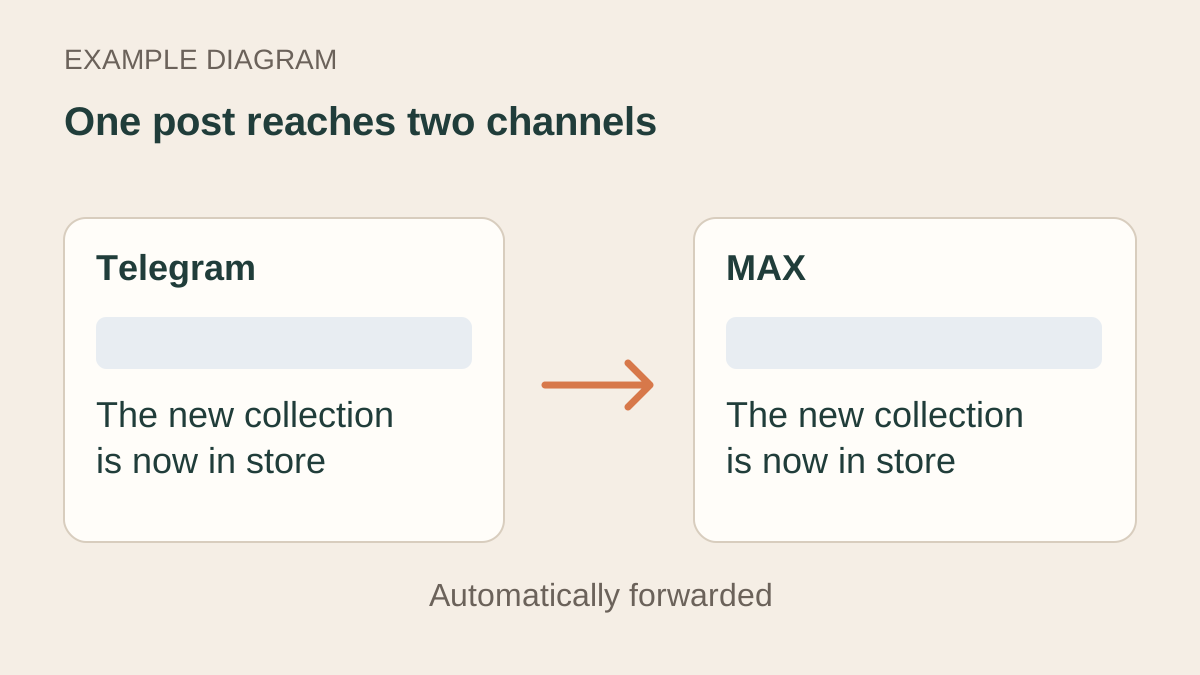
Running a channel in each messenger can mean publishing every announcement twice. Poster TG to MAX automatically forwards posts from Telegram to MAX.
Suppose a shop announces a new collection. Once the bot is connected, you publish the announcement in Telegram and it appears in MAX as well. You no longer need to copy and publish the same post by hand.
Open the bot and follow its instructions to connect your channels.
3. Welcome Bot — greet new members with chat rules and useful links
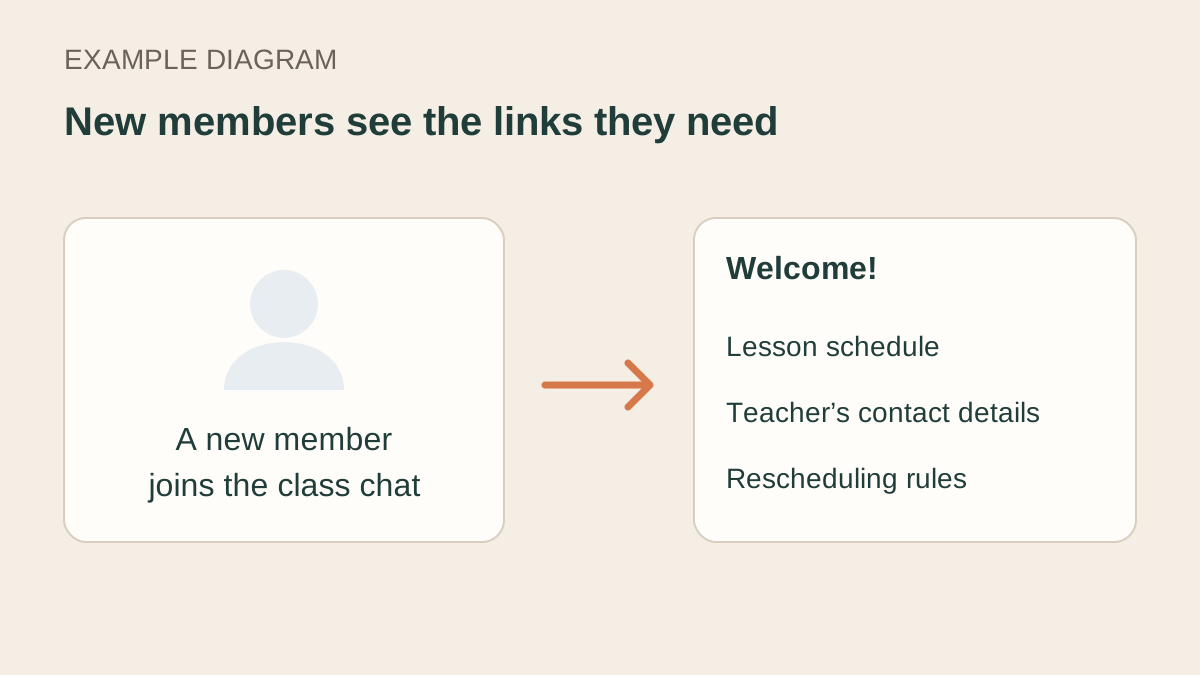
People joining a customer group or course chat often ask the same questions: where is the schedule, how do I contact the organiser, and what are the rules? Welcome Bot automatically greets new members with useful links and chat rules.
For a class, the greeting could include the lesson schedule, the teacher’s contact details and the rules for rescheduling. A new member can find that information straight away, without the administrator typing the same reply each time.
4. Poll Bot — run polls and collect opinions
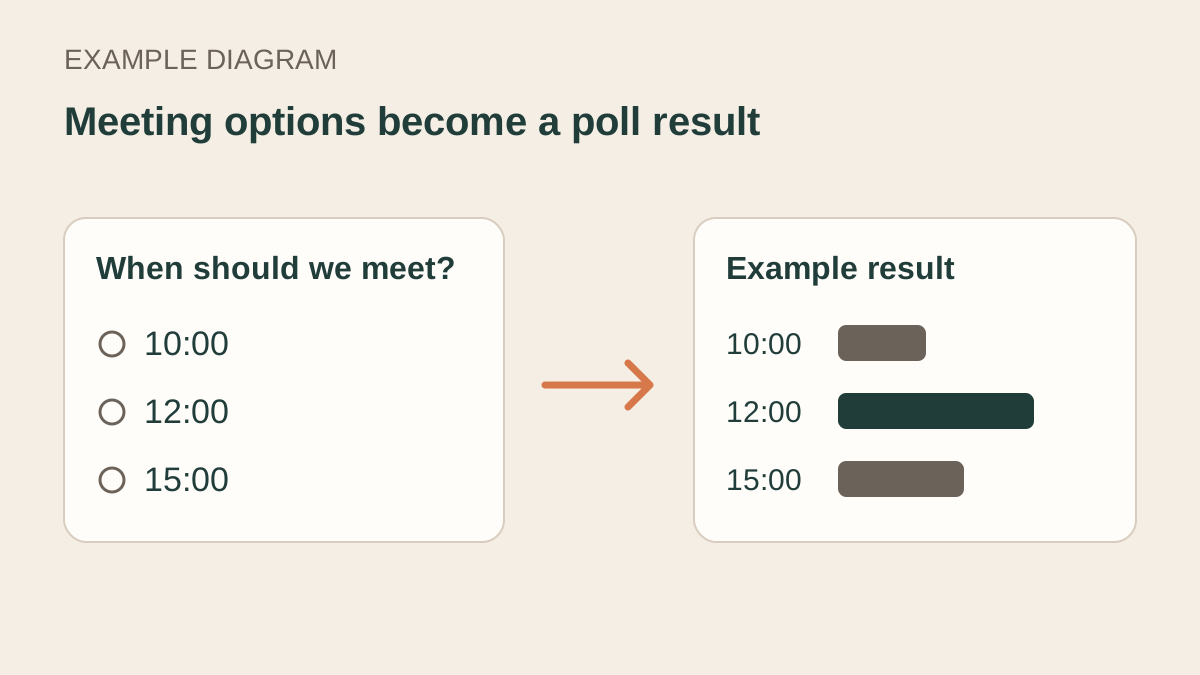
A few answer options can replace a long discussion about meeting times. Poll Bot lets you create polls and see the results.
For example, ask the team to choose a call time: 10:00, 12:00 or 15:00. The answers show which option more people chose. In a customer chat, you could ask which topic to cover at the next session or which product people would like to see in more detail.
5. Voicee — turn voice messages and meeting recordings into text
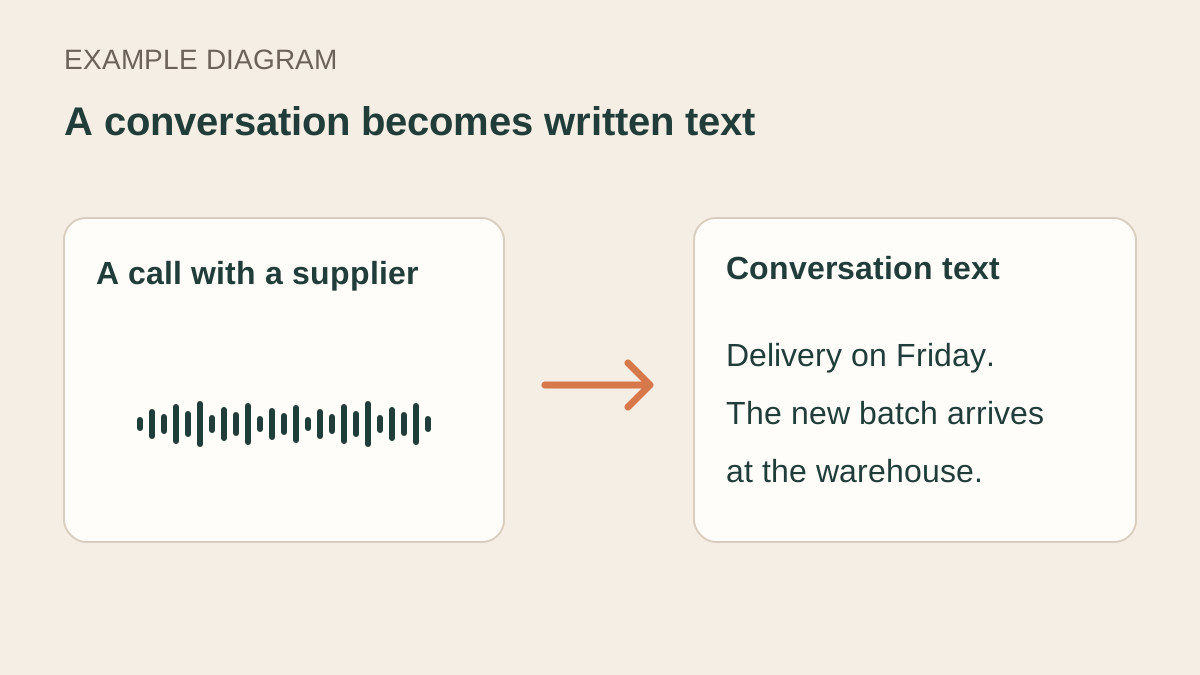
Finding a detail in a long voice message can mean listening to it again. Voicee turns speech from audio and video into text. You can send the bot a file, a voice message or a link to a recording.
After a conversation with a supplier, for example, you could send the recording to the bot and receive the text of the discussion. That makes it easier to find the delivery terms or copy a passage for a colleague. Voicee can also extract the main points and prepare a short meeting summary.
You can download the text and edit it in Word or Google Docs. See the Voicee website for details about the MAX bot.
If part of your team still works in Telegram, see our Telegram bots for business.










'/%3e%3cg%20transform='translate(7.5%209.35)%20scale(0.0644)'%20fill='white'%3e%3cpath%20d='M296.63%2067.21C317.501%2046.2949%20351.375%2046.2591%20372.29%2067.1299C393.205%2088.0008%20393.241%20121.875%20372.37%20142.79L200.735%20314.79C190.699%20324.848%20177.074%20330.5%20162.865%20330.5C148.656%20330.5%20135.03%20324.848%20124.994%20314.79L15.6297%20205.192C-5.24109%20184.277%20-5.20533%20150.403%2015.7098%20129.532C36.625%20108.662%2070.4991%20108.697%2091.37%20129.612L162.864%20201.259L296.63%2067.21Z'/%3e%3cpath%20d='M221.5%2059.5C221.5%2092.3609%20194.861%20119%20162%20119C129.139%20119%20102.5%2092.3609%20102.5%2059.5C102.5%2026.6391%20129.139%200%20162%200C194.861%200%20221.5%2026.6391%20221.5%2059.5Z'/%3e%3c/g%3e%3cdefs%3e%3clinearGradient%20id='paint0_linear_logo_mark'%20x1='20'%20y1='0'%20x2='20'%20y2='40'%20gradientUnits='userSpaceOnUse'%3e%3cstop%20stop-color='%2379C9FF'/%3e%3cstop%20offset='1'%20stop-color='%23007AFF'/%3e%3c/linearGradient%3e%3c/defs%3e%3c/svg%3e)