Trello alternatives for small teams: choosing a tool and moving your work

Your team is used to Trello cards, but something has stopped working: the plan conditions, the payment method, discussions detached from tasks, or the constant copying of assignments from chat. Finding an app with similar columns is easy. It's harder to tell whether moving will solve your problem.
Below are four alternatives for small teams and a way to move your work. Features and public plan conditions were checked against official sources on October 9, 2026. This compares approaches. The article appears on the iTasker blog, and iTasker is in the shortlist.
In short
If your team discusses work in Telegram, start with iTasker: a message becomes a task, and progress shows on a board. Before moving, test one project and agree on a switch-over date.
When replacing Trello makes sense
State the reason in one sentence: "there are more than ten of us", "discussion is detached from tasks", "we need a knowledge base next to projects", "agreements stay in Telegram". Each leads to a different choice.
If people simply forget to update cards, start with team rules. Who changes the status? Where is a new agreement recorded? What does "Done" mean? A new board with the same habits will quickly repeat the old one.
For reference, free Trello allows up to ten collaborators and ten boards per Workspace. If those are the limits you've outgrown, compare the price of the next stage, not only the starting plan.
Four alternatives by workflow
| Service | When to shortlist it | What to test on one project |
|---|---|---|
| iTasker | You need Telegram task capture and shared progress tracking | Message capture, assignees, deadlines and board statuses |
| YouGile | You want boards and discussion in task chats | Whether the team will move its conversations |
| WEEEK | Tasks should sit beside a knowledge base and other work tools | Plan coverage and everyday complexity |
| Notion | Your team already stores documents in Notion | Database setup, permissions and notifications |
iTasker: assignments from your work chat
iTasker combines quick Telegram input with a shared board. A message becomes a task with /new, and a short voice message lets you record an assignment without typing. Assignees, deadlines and statuses are visible in the Mini App and in the browser.
For a small team this ties discussion to specific work: open a card and see the result instead of searching chat history for the assignment. Recurrence, reminders and Google Calendar sync help with everyday planning.
There is no Trello import in iTasker, so current cards have to be recreated. Save the comments and attachments of the old cards separately if you need them.
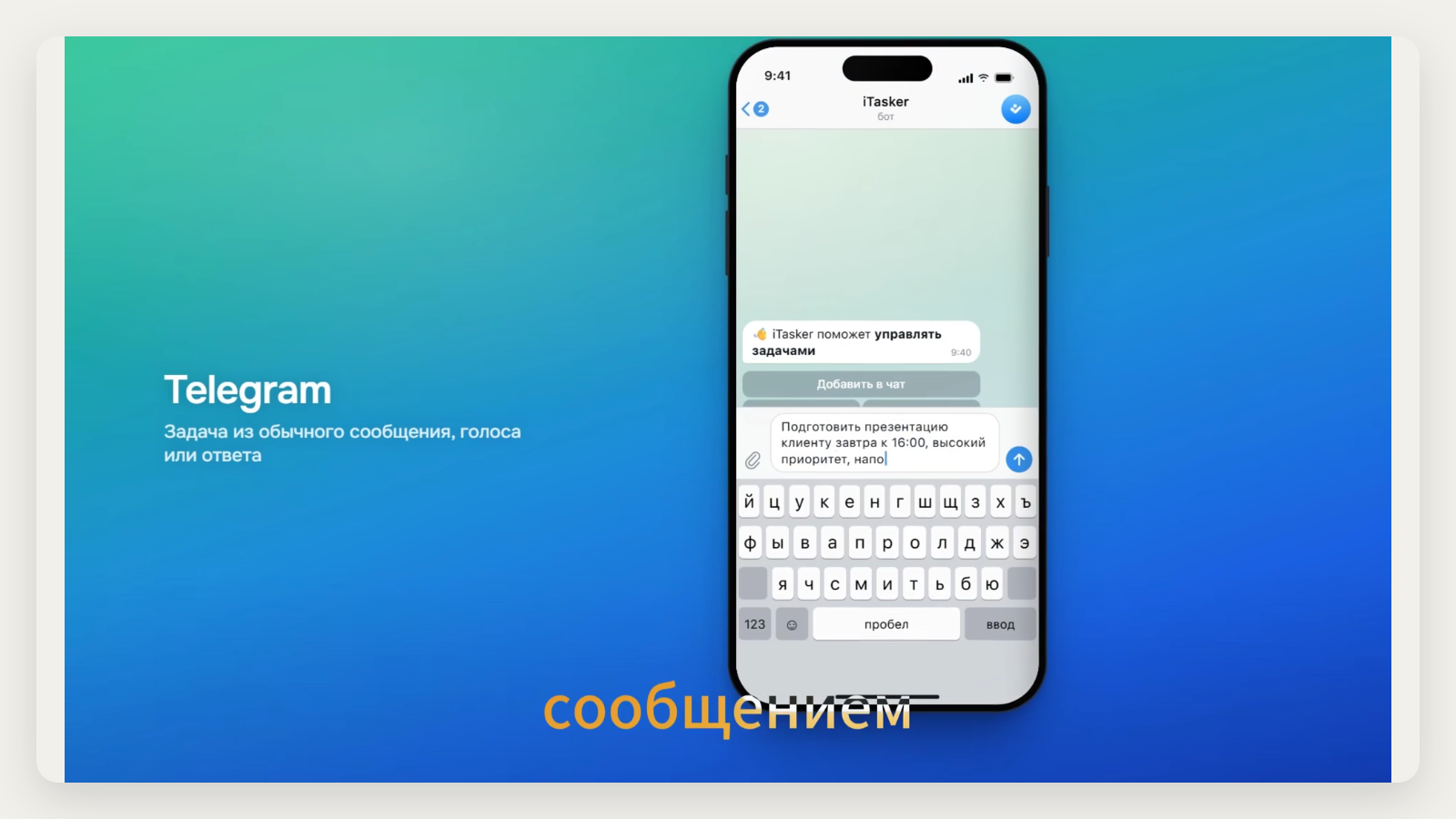
Frame from the official iTasker overview: a task from a message with a date and a reminder. The interface is in Russian.
YouGile: discussion beside the card
YouGile has boards and task chats, and its pricing page says the first ten users of the cloud version are free. It fits if you want to gather conversation around specific assignments.
Test on one task whether participants find discussing work inside the service convenient. If important decisions keep arriving in Telegram, agree who moves the conclusions and how: the board won't do it by itself.
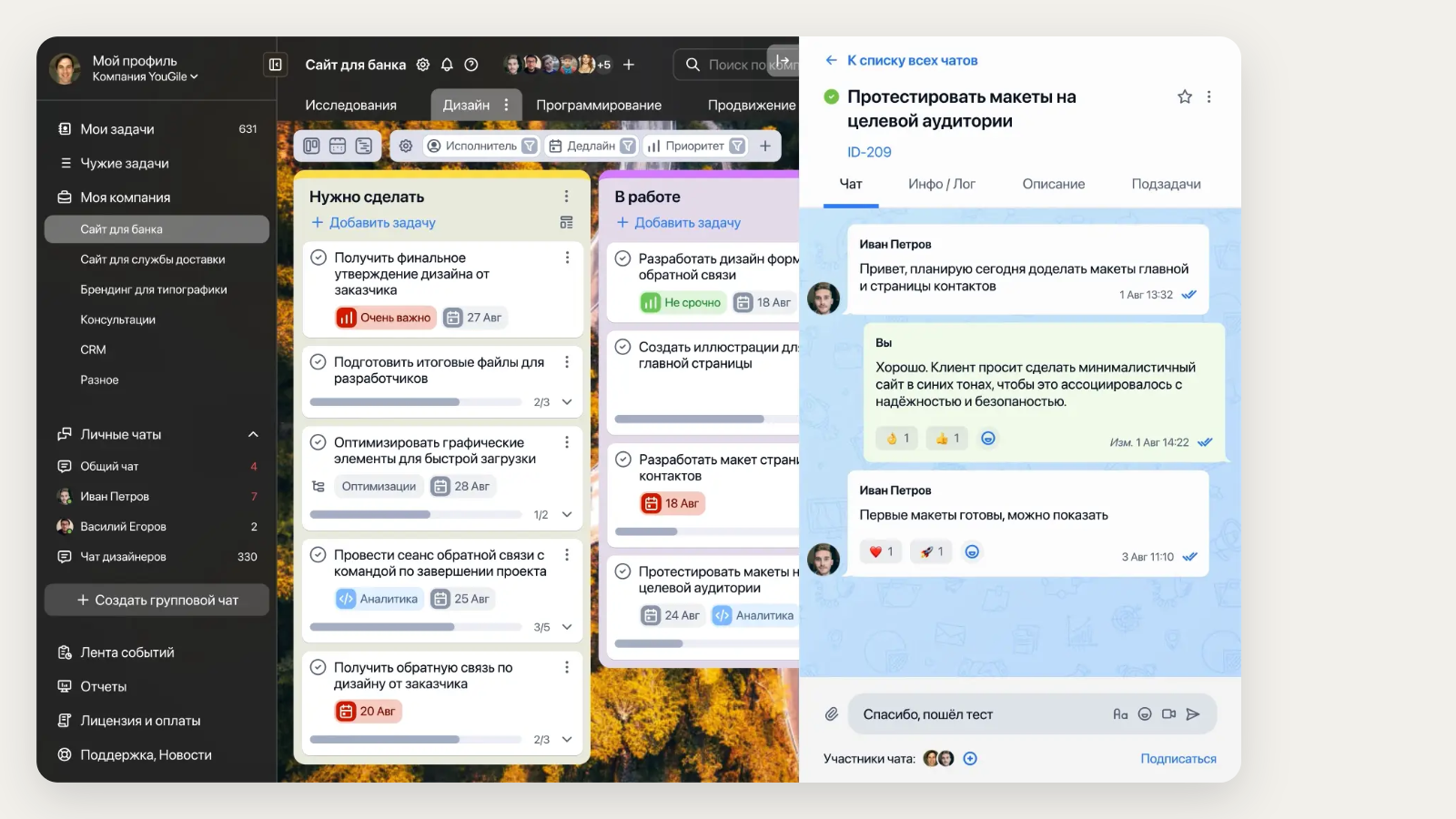
Official YouGile example: the discussion of the selected card to the right of the board. The interface is in Russian.
WEEEK: tasks within a project workspace
WEEEK combines task management with a knowledge base, CRM and other tools. Consider it if you're building a workspace broader than one board.
In the test, walk an ordinary participant's path: find an assignment, clarify the requirements, submit a result. Then match the features you need to the plan. A wide toolset is useful only if the team uses it.
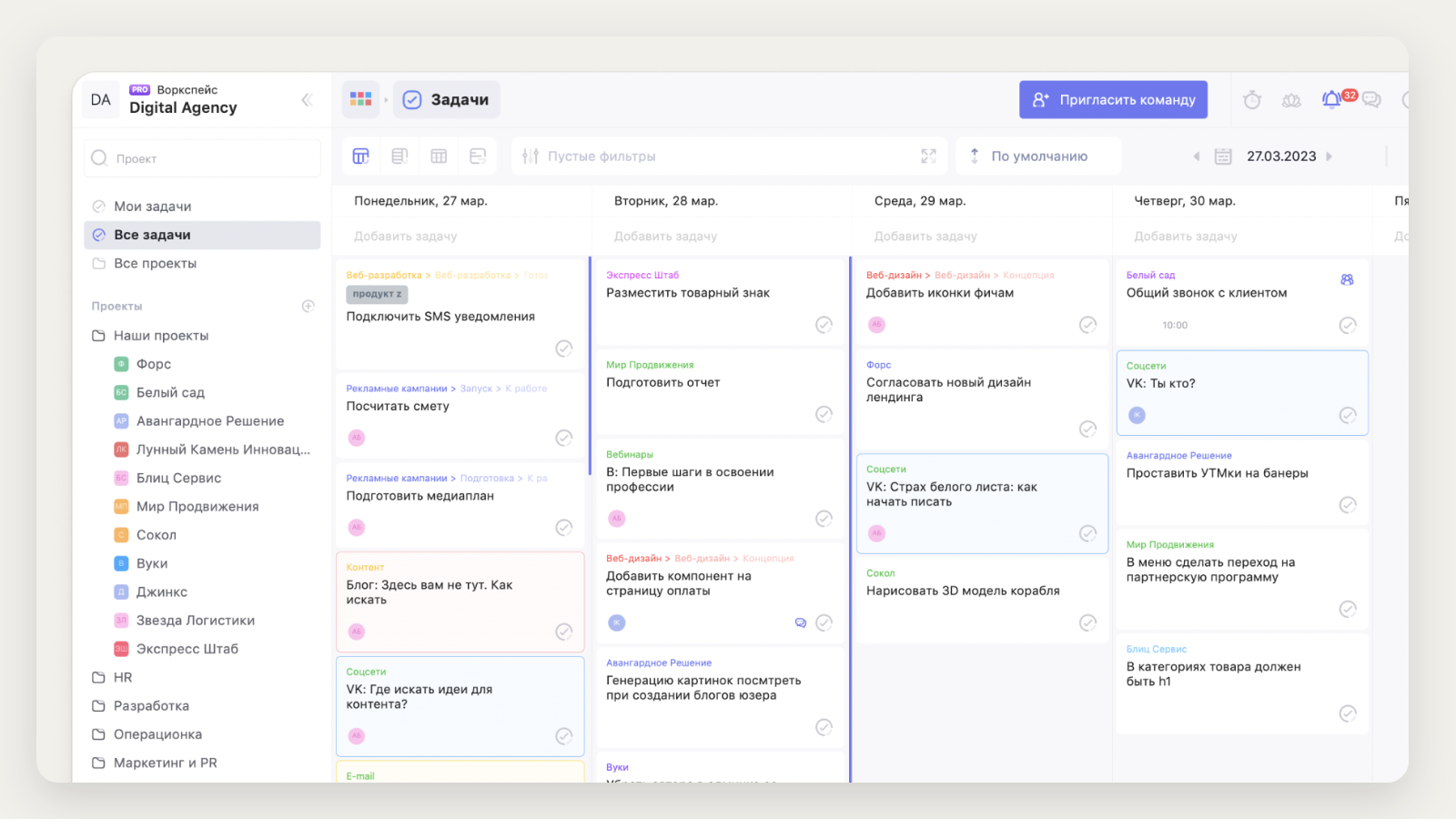
Screen from the WEEEK website: projects and tasks by day of the week. The interface is in Russian.
Notion: a board in a database
In Notion, a board is a view of a database. Records are grouped by status, assignee and other properties, filtered and dragged between columns.
Try this route if your documentation already lives in Notion. Just appoint someone beforehand to set up properties, views and entry rules: flexibility demands decisions, or everyone will start managing tasks their own way.
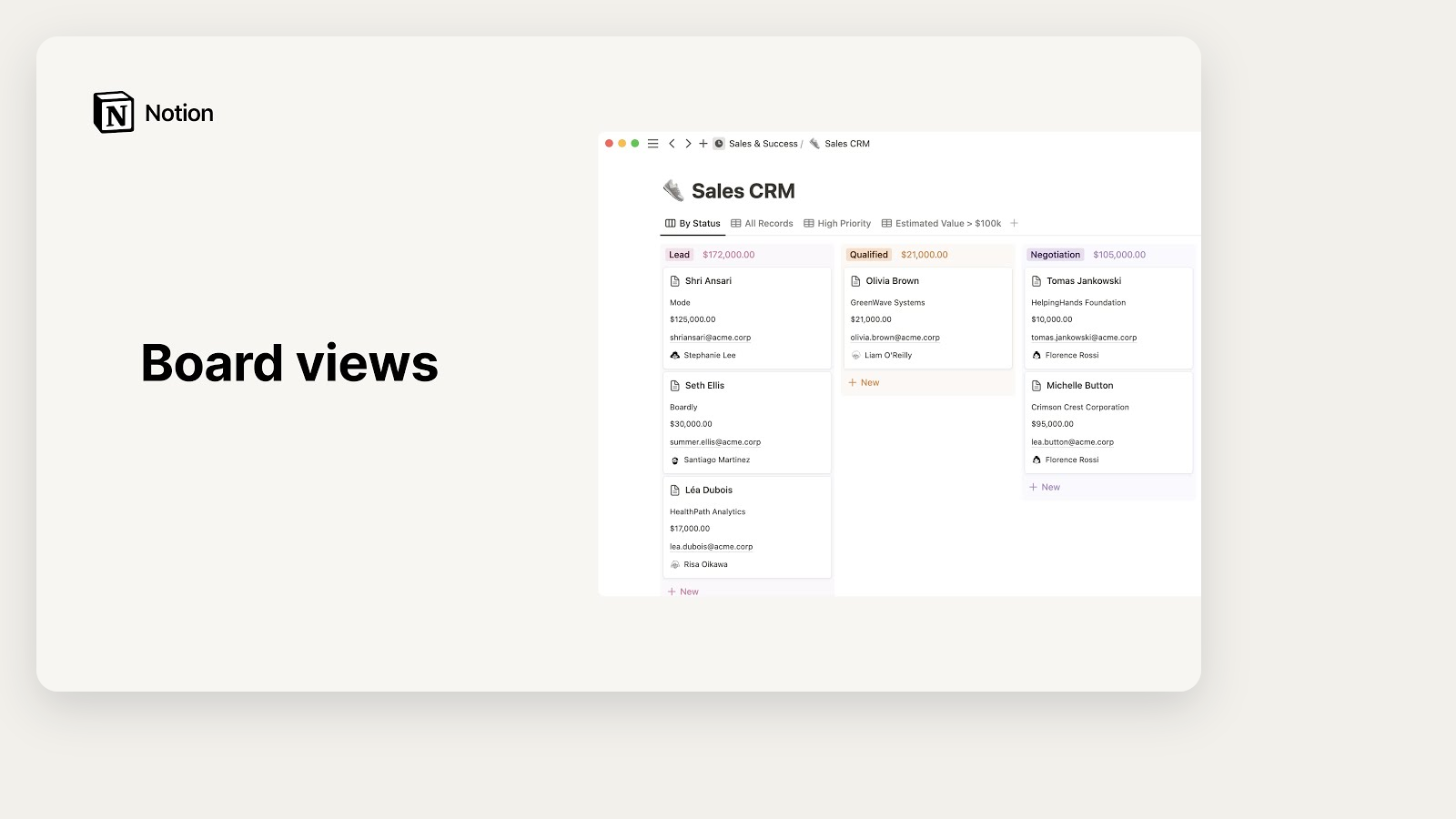
Frame from the video in Notion's board documentation: a Sales CRM database grouped by status.
What to compare besides how the board looks
Take one real card through its whole lifecycle: creation, clarification, assignment, work, review, archiving. Write down what information each step needs. Things worth finding out:
- whether the description and checklist keep their content;
- how assignees, deadlines and access permissions work;
- where comments and files will live;
- whether recurrence and the notifications you need are available;
- which features require a subscription;
- how to export data from the new service.
If you use Trello Power-Ups and automations, list them separately. A similar column won't replace a rule that used to assign a person or create a card on its own.
How to move tasks without keeping two boards
Test the new service first, then set a switch-over date. You can't run two complete task sources with no end date: people soon stop knowing which deadline is current.
- Save the source data: make the export your plan allows and check that it opens. Save important attachments and links separately.
- Transfer several different cards: a simple task, a card with a checklist and a task with a discussion. If there's no ready import, move them by hand.
- Compare fields. Assignees, dates, time zones, descriptions, links and permissions should match, not just the card count.
- Move active work: work in progress and the upcoming queue first. The archive can stay in the old service if you keep access.
- Set a switch-over date. From that day, new assignments and changes are recorded in the new place, and the old board is marked as an archive.
- Run a short check: everyone finds their tasks and shows how they will report completion or a blocker.
For a team of five this might look like: move one project on Monday, watch everyday work until Wednesday, decide on Thursday whether the service fits, and only then move the rest.
Which alternative suits you
If agreements originate in Telegram, take iTasker and test one chat and one project on a shared board. If you need boards with discussion inside the tracker, look at YouGile. For a broader project workspace there is WEEEK. And if tasks should live next to documents you already have, try a database board in Notion.
Before you set up columns, read our small-team kanban guide: it helps keep the process clear in any service.